
















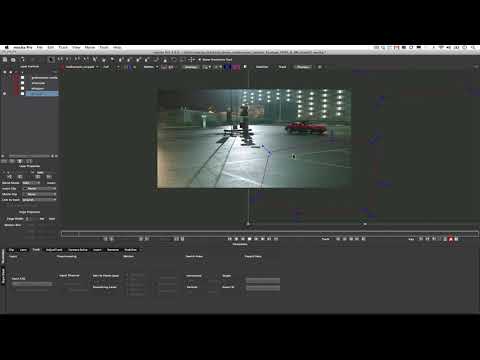
In this tutorial, Mary Poplin shows you how to planar track a difficult whip-
pan in a shot and drop 3D models into a composite in both After Effects and
Cinema 4D. The process covers: • Tracking long shots • Tracking shots where
you don’t have good planar information for the entire length of the shot •
Avoiding Reflections, Shadows, and other hiccups for the planar tracker •
Using the 3D camera solver and it’s settings • Exporting 3D cameras to After
Effects and Cinema 4D • Setting up your shot in After Effects and Cinema 4D
pan in a shot and drop 3D models into a composite in both After Effects and
Cinema 4D. The process covers: • Tracking long shots • Tracking shots where
you don’t have good planar information for the entire length of the shot •
Avoiding Reflections, Shadows, and other hiccups for the planar tracker •
Using the 3D camera solver and it’s settings • Exporting 3D cameras to After
Effects and Cinema 4D • Setting up your shot in After Effects and Cinema 4D
Subscribe to our newsletter
Get all the latest news, blog posts and product updates from Boris FX, delivered directly to your inbox.
Welcome!
Thanks for opting-in to our newsletter. You'll receive an email momentarily with your confirmation.
