
















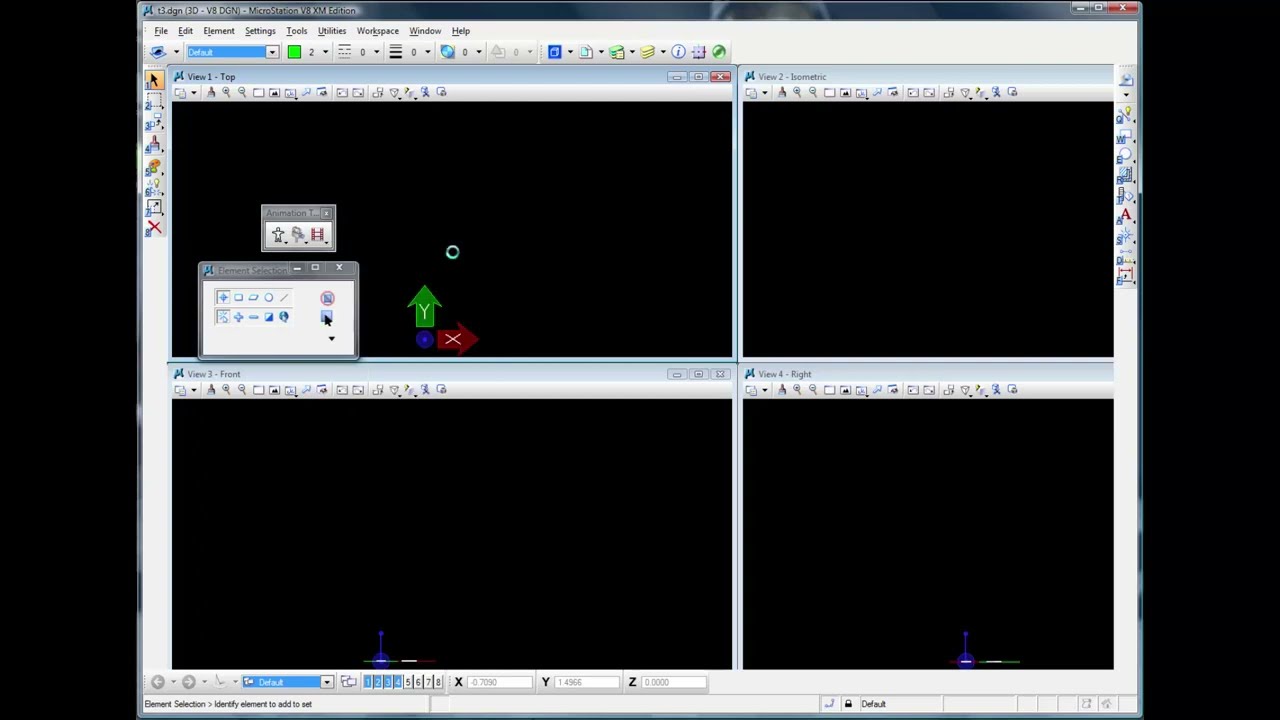
This tutorial demonstrates a complete workflow, tracking and stabilizing a shot in SynthEyes, saving the images, exporting for Bentley MicroStation, and then in MicroStation, importing the MSA file, configuring MicroStation, and dropping in a small external model. After the model is completed and textures set up in MicroStation, then next step would be to render (record) the animation.
Subscribe to our newsletter
Get all the latest news, blog posts and product updates from Boris FX, delivered directly to your inbox.
Welcome!
Thanks for opting-in to our newsletter. You'll receive an email momentarily with your confirmation.
