
















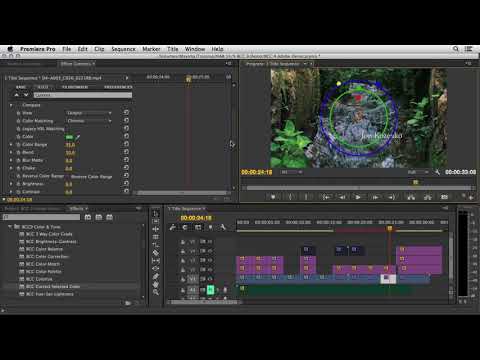
In the first of his 3-part series on BCC 9 in Premiere Pro CC, Eran Stern (Stern FX) creates an opening title sequence for an indie you can imagine premiering at Sundance.
Get an inside look at his creative process and workflow. Apply BCC 2-Strip Color and BCC Vignette to set the tone of the overall sequence. Add BCC Fast Film Glow to the titles and composite over the footage to create more depth. Use BCC Displacement Map, add transitions, and lots more.
Filters Used Include: BCC 2-Strip Color , BCC Burnt Film, BCC Color Match , BCC Correct Selected Color , BCC Displacement Map, BCC Fast Film Glow , BCC Hue-Sat-Lightness , BCC Levels Gamma , BCC Linear Luma Key , BCC Pyramid Blur , and BCC Vignette
Featured Units: Art Looks, Blur And Sharpen, Color and Tone, Film Style
Footage courtesy: Tzachi Asher and Videoblocks
Music courtesy: Premium Beat
Subscribe to our newsletter
Get all the latest news, blog posts and product updates from Boris FX, delivered directly to your inbox.
Welcome!
Thanks for opting-in to our newsletter. You'll receive an email momentarily with your confirmation.
