
















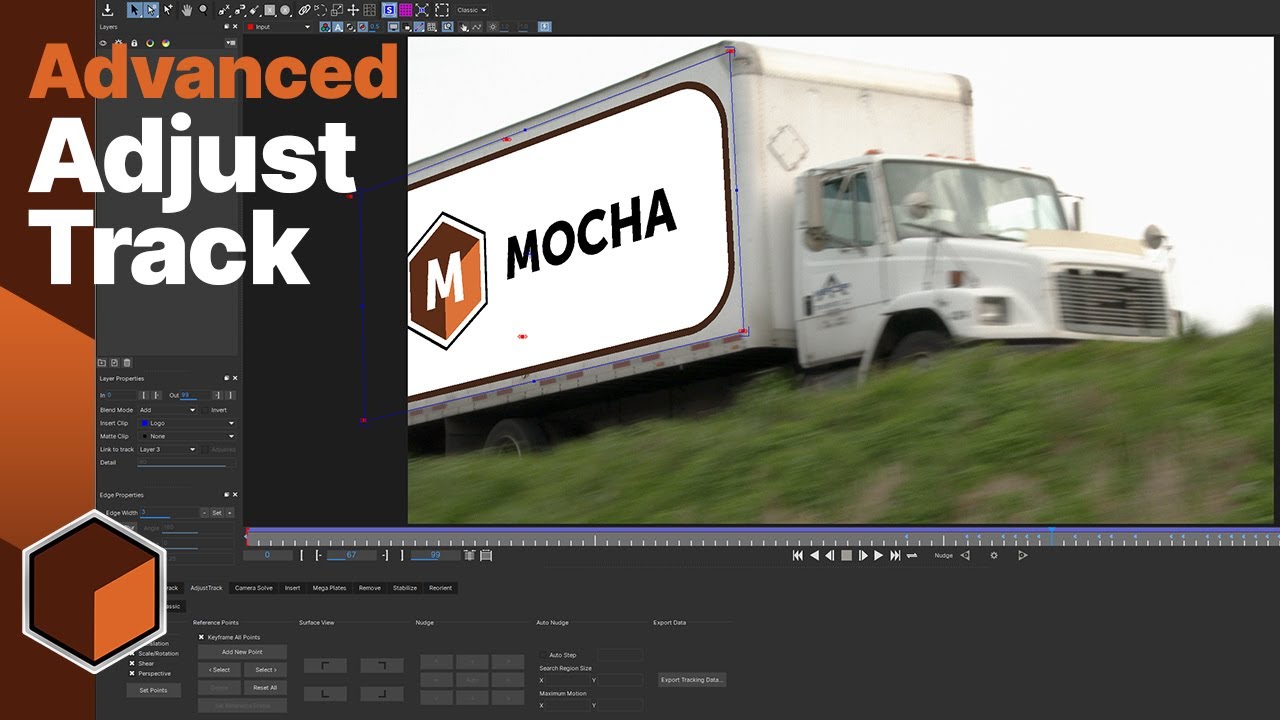
The new AdjustTrack module gives you even more options to fix problem tracks in Mocha or track in shots that would be impossible to track correctly, like images that go off screen.
This video covers the new adjust track features, and how to solve problems with drifting Surface points. We cover the in-depth controls for setting your Adjust Track Points, talking about what the different transforms do, setting your reference frame, and adjusting your reference points.
More advanced shots can be tackled by adding extra points, and you will learn how these points affect the track, especially when they do not cover the full length of the clip.
When you have completed this exercise, you will understand how, when and why to use the AdjustTrack module and how to take the correct data from it.
Subscribe to our newsletter
Get all the latest news, blog posts and product updates from Boris FX, delivered directly to your inbox.
Welcome!
Thanks for opting-in to our newsletter. You'll receive an email momentarily with your confirmation.
