
















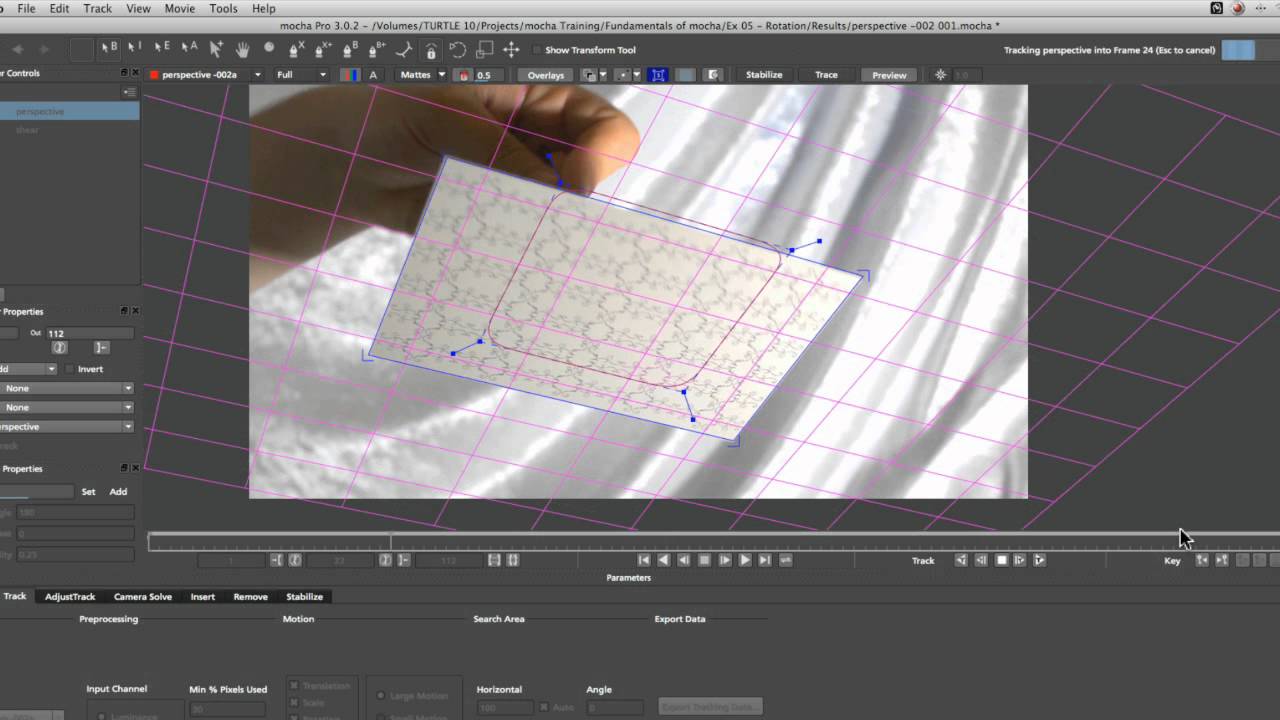
What you’ll learn:
- The difference between Shear and Perspective
- When to turn on Perspective
- How to adjust your shape during the track
One of the most frequent questions asked about Mocha’s settings is, when
do you have to turn on Perspective modeling instead of just tracking Shear?
This exercise demonstrates the different motion using CG footage, then shows
how to translate that to real-world footage. This effectively shows when Shear
is not enough to get the best track and how Perspective tracking should be
used. The second part of the tutorial demonstrates more techniques for dealing
with large motion blur on the object you wish to track. We discuss shape size,
placement and keyframing the shape to get the best results.
Subscribe to our newsletter
Get all the latest news, blog posts and product updates from Boris FX, delivered directly to your inbox.
Welcome!
Thanks for opting-in to our newsletter. You'll receive an email momentarily with your confirmation.
