
















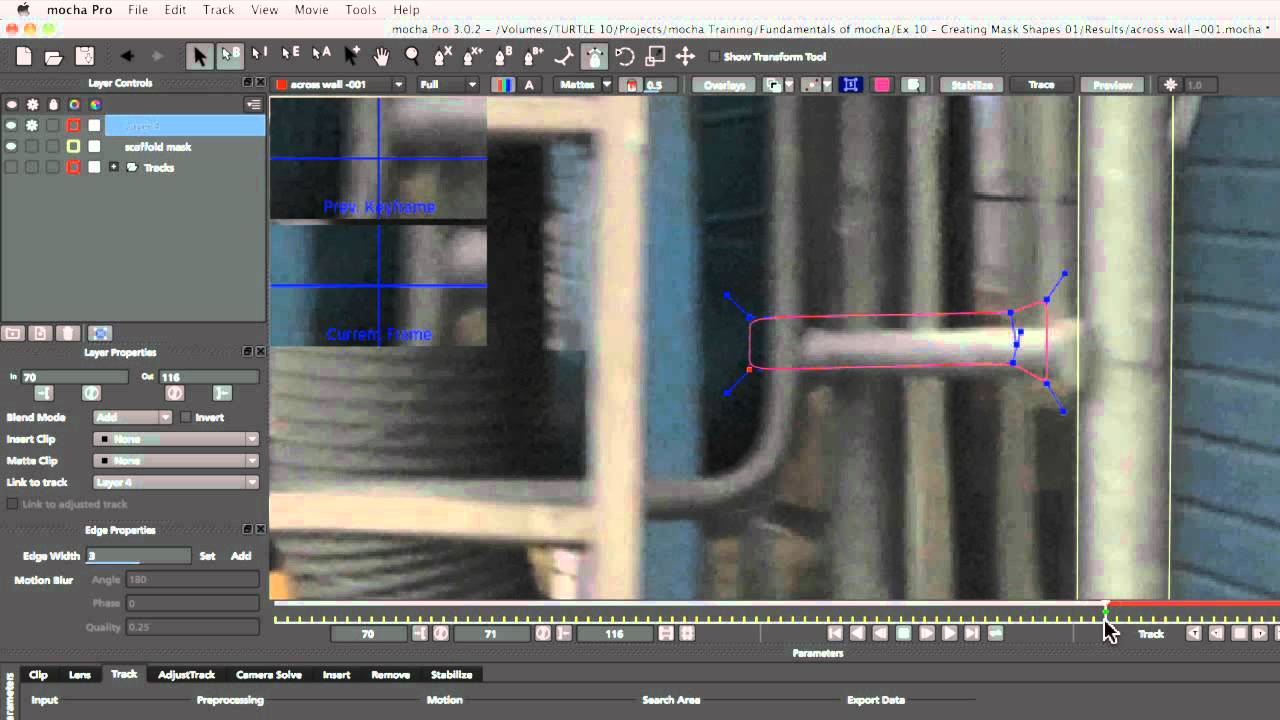
What you’ll learn:
- Effective tracking for rotoscoping
- Separating track shapes and mask shapes
- Different techniques for using mask shapes in After Effects
The first look at using Mocha shapes as roto-splines. We discuss how
methods for most effectively reducing the amount of hand roto by creating a
master track layer to connect other layers to. We look how to best animate our
shapes, both in terms of speed and accuracy. Finally we take our shape layers
into After Effects and look at the advantages to using them as native mask
layers or using the Mocha Shape plug-in. We finish the shot by adding motion
blur to our object and our mask shapes.
Subscribe to our newsletter
Get all the latest news, blog posts and product updates from Boris FX, delivered directly to your inbox.
Welcome!
Thanks for opting-in to our newsletter. You'll receive an email momentarily with your confirmation.
