
















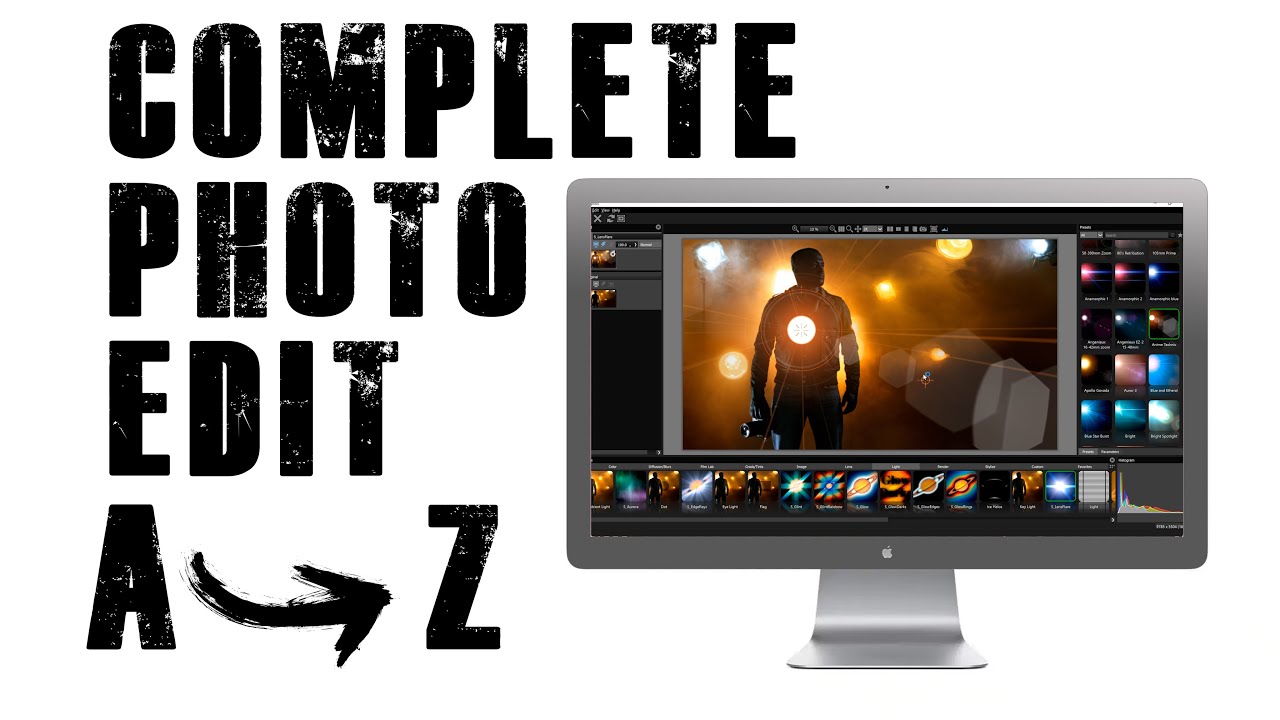
Patrick Hall, founder of the popular photography website, Fstoppers created this Optics and Photoshop tutorial for photo compositing.
Learn how to add beautiful lens flares, light leaks, and smoky grunge effects inside Adobe Photoshop using the Boris FX Optics plugin as a creative element generator.
Learn more about Boris FX Optics
Subscribe to our newsletter
Get all the latest news, blog posts and product updates from Boris FX, delivered directly to your inbox.
Welcome!
Thanks for opting-in to our newsletter. You'll receive an email momentarily with your confirmation.
