
















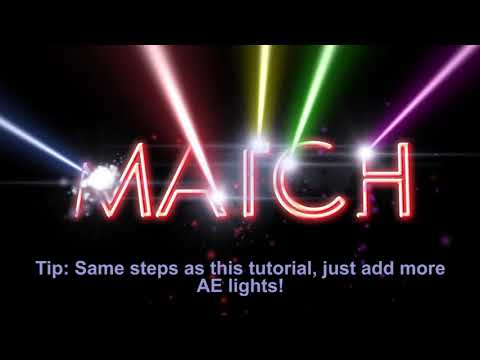
Paul Ezzy is back with a follow-up to his BCC Laser Beam Write-On Effect:
Basics.
In this advanced tutorial, Paul dives into the full capability of BCC Laser Beam in Adobe After Effects CC. Use target layers, track mattes, spotlights, and camera animation, while creating realism with flicker, smoke, sparks, and a glowing hot trail.
Plus, use BCC Grunge as both a background and texture effect, and learn where you can save your custom images.
Filters used: BCC Film Glow , BCC Grunge , BCC Laser Beam , and BCC Particle Emitter 3D .
Featured Units: Film Style, Stylize, Lights, Particles
Subscribe to our newsletter
Get all the latest news, blog posts and product updates from Boris FX, delivered directly to your inbox.
Welcome!
Thanks for opting-in to our newsletter. You'll receive an email momentarily with your confirmation.
