
















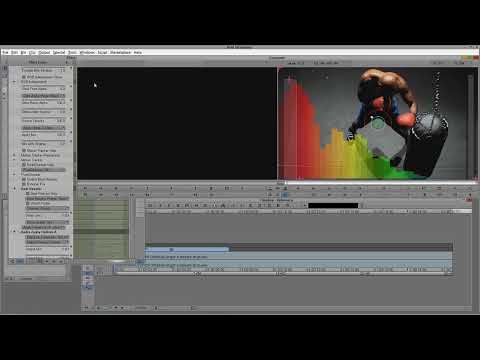
Watch Kevin P. McAuliffe take an audio clip and automatically animate Boris Continuum Complete’s Film Glow effect to music using the built-in Beat Reactor. Many BCC effects integrate Beat Reactor and this tutorial shows you how to easily create animation as well as a neat trick to ensure that the effect animates evenly across three clips from within an Avid editing system.
Filters Used Include: Film Glow
Featured Unit: Film Style
Subscribe to our newsletter
Get all the latest news, blog posts and product updates from Boris FX, delivered directly to your inbox.
Welcome!
Thanks for opting-in to our newsletter. You'll receive an email momentarily with your confirmation.
